Idea Inbox
💡 The Idea Inbox
The 2-System Idea Architecture, the Idea Inbox is built on a “System 1 vs System 2” cognitive model, separating fast, fleeting thoughts from deliberate knowledge.
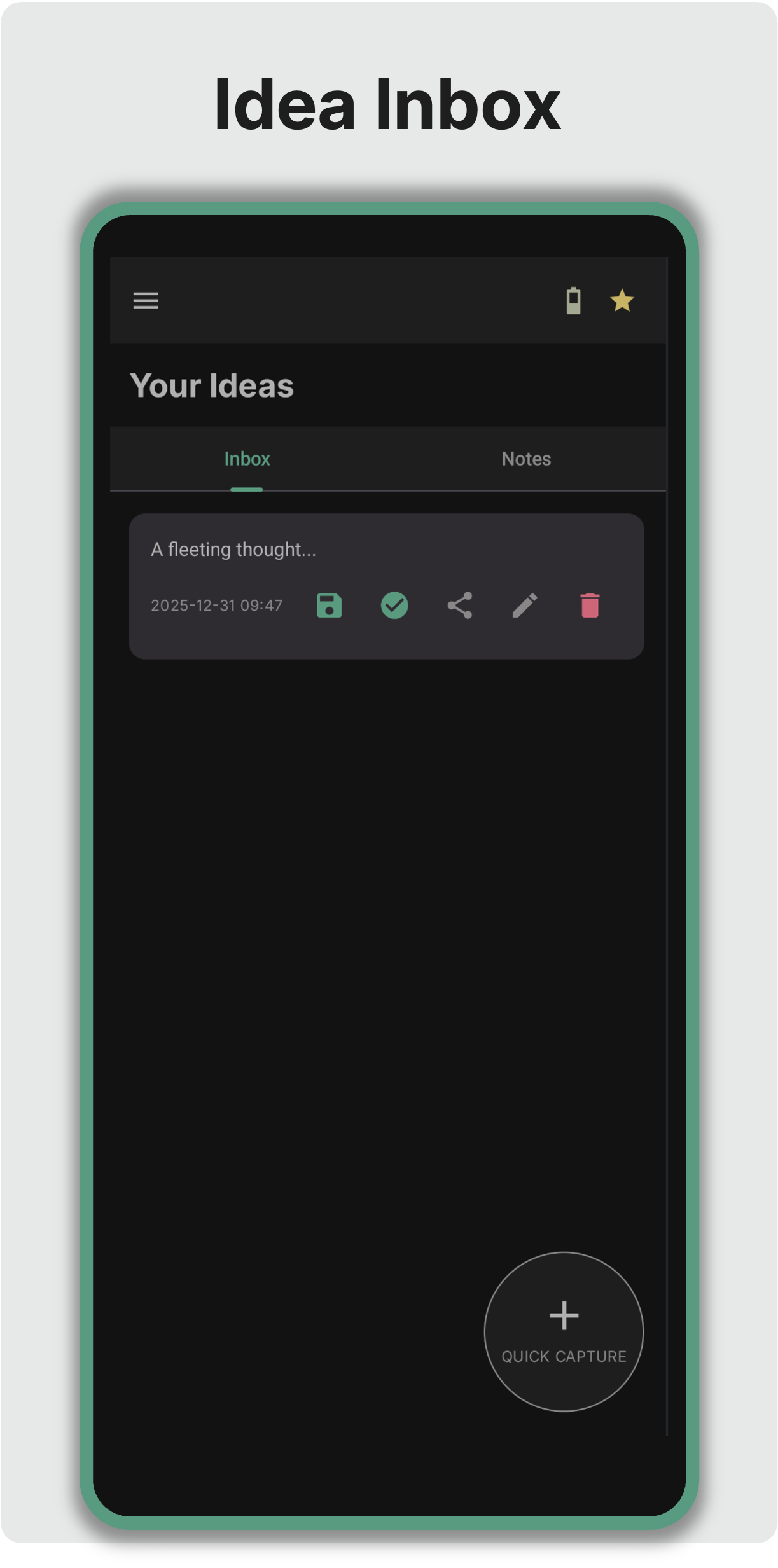
System 1: The Scratchpad (Capture)
This is for the “fleeting thoughts”—the architectural patterns that come to you while walking or the snippet of code you want to try.
- Tactile Priority: Swipe to increase or decrease the “weight” of an idea, directly affecting its position in the list.
- Low Friction: No folders, no categories.
- Transient by nature: These ideas are meant to be processed: converted to a task, saved as a persisten note, or discarded.
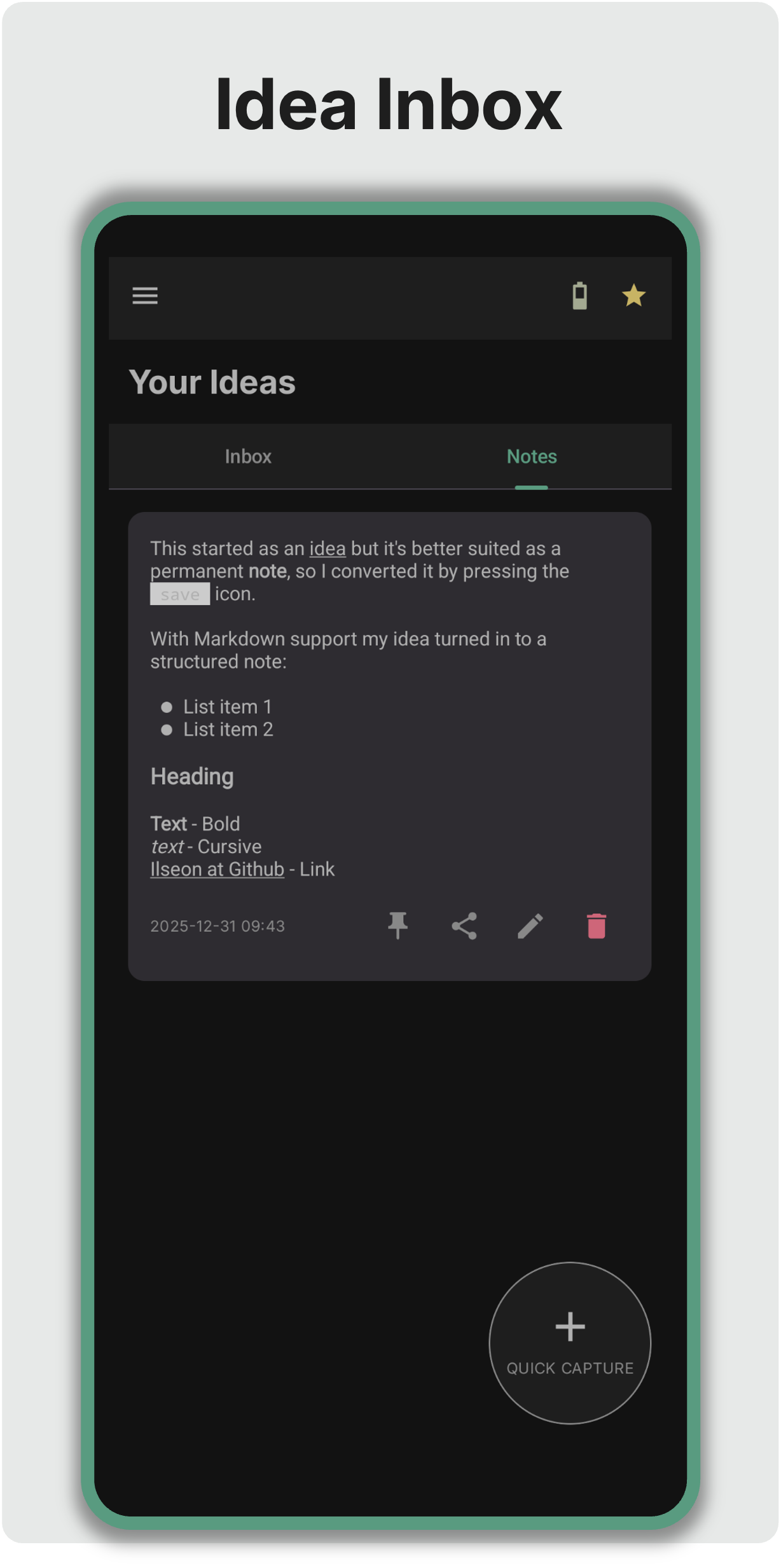
System 2: The Knowledge Base (Persist)
Once a transient idea is vetted, it can be “promoted” to a persisted note.
- Markdown Support: Basic formatting for code snippets and structured lists using a formatting bar.
- Weight-Based Sorting: Besides pinning a Note on-top, Notes also utilise swipe-to-weight mechanics, helping you put active Notes on top of your list.
- The “Just Enough” Approach: Ilseon provide enough structure to keep notes useful without the overhead of a full-scale “Second Brain” system.
🖼️ Visual Context: Image Attachments
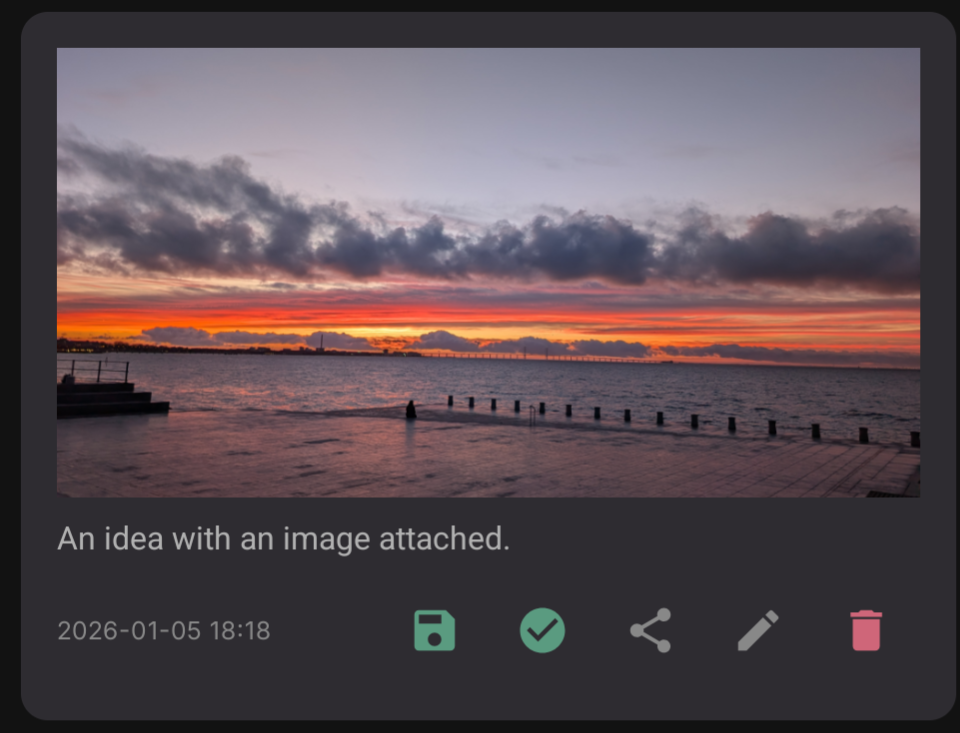
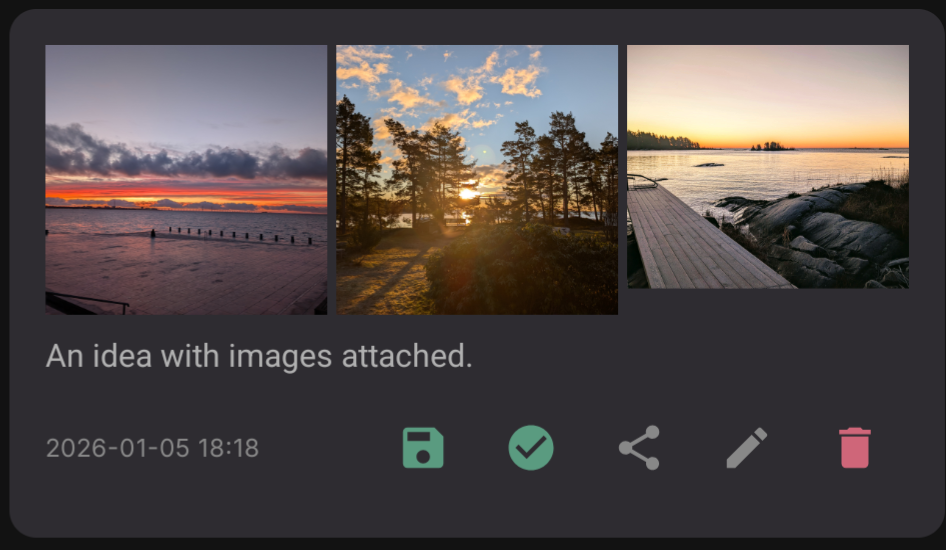
Sometimes an idea is a whiteboard sketch, a screenshot, or a page from a book. Ilseon now supports rich visual capture:
- Multi-Image Support: Attach one or multiple images to any Idea or Note to provide immediate context.
- Seamless Editing: Add or remove attachments at any time as your notes evolve from raw thoughts into structured knowledge.
The Philosophy
Don’t let a powerful note-taking system distract you from the act of having ideas in the first place.
