hedit
a terminal text editor written in hica
Overview
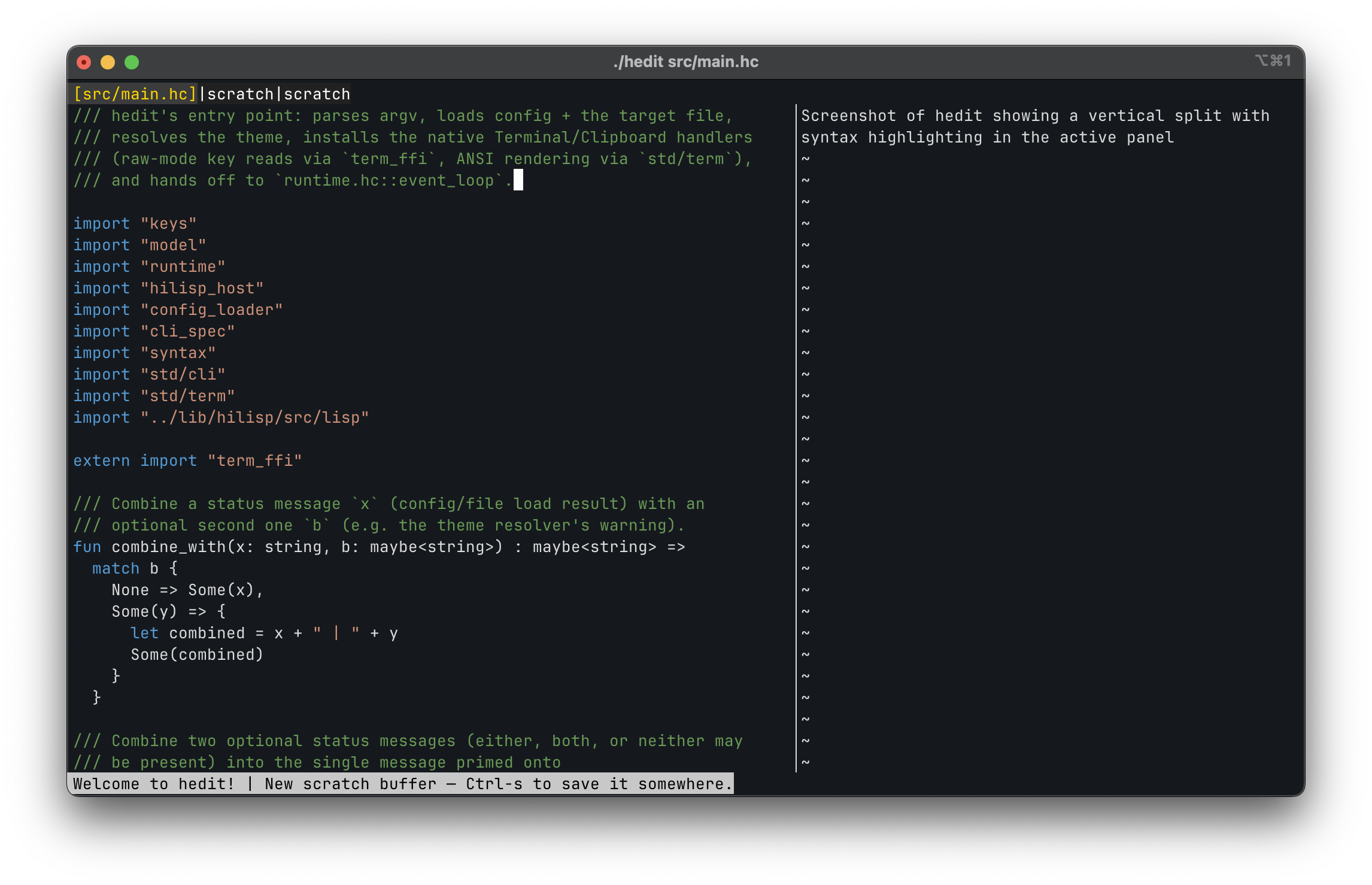
hedit is a lightweight terminal text editor written entirely in hica. It combines familiar editor behaviour with the language features I wanted to exercise in a real application: algebraic effects, immutable data structures, pattern matching, native compilation through Koka, and an embedded scripting language.
I built it because I wanted an editor of my own, but also because a compiler needs a demanding user. A terminal editor brings input decoding, screen rendering, mutable-looking state, file and clipboard access, undo history, configuration, plugins, and recovery into one compact system. That makes hedit both a tool I can use and an end-to-end integration workload for hica.
Features
- Familiar keybindings, readline-style motions, incremental search, and system clipboard integration.
- Multiple buffers, vertical and horizontal split panes, syntax highlighting, and mouse support.
- Multi-cursor editing with simultaneous, offset-aware text changes.
- A branching visual undo tree that preserves edits made after an undo.
- Session and crash recovery for buffers, pane layouts, cursors, and unsaved scratch content.
- A searchable command palette with shell command execution.
- Configuration, keybindings, and plugins written in HiLisp.
Effects at the Boundary
The editor core is mostly pure. An incoming event is resolved to an Action, and that action produces a new EditorState. Terminal and clipboard operations sit behind hica algebraic effects, so the same event loop can run against a real terminal or a scripted test handler:
effect Terminal {
  fun poll_event() : Event
  fun render_frame(buf: ScreenBuffer)
  fun get_dimensions() : (int, int)
  fun set_cursor_style(style: CursorStyle)
}

effect Clipboard {
  fun get_selection() : string
  fun set_selection(text: string)
}
Undo history uses a named Buffer effect. Each open buffer gets an isolated handler containing its own branching revision tree, while the text buffer itself remains a plain value that pure editing functions can transform and tests can inspect.
Scriptable with HiLisp
hedit embeds HiLisp, a small Lisp interpreter also written in hica. The same runtime handles settings, keybindings, and plugins:
;; ~/.config/hedit/init.hl
(set "tabsize" 4)
(set "theme" "ilseon")

(bind "Ctrl-s" 'save)
(bind "Meta-w" 'close-buffer)

(plugin "greeter")
Plugins can subscribe to editor lifecycle hooks, inspect buffer statistics, cancel selected actions, and return status messages without gaining unrestricted access to mutate editor state.
Install
hicurl https://github.com/cladam/hedit/releases/latest/download/install.sh | sh
Or, if you haven’t tried hicurl yet…
curl -fsSL https://github.com/cladam/hedit/releases/latest/download/install.sh | sh
Pre-built binaries are available for macOS ARM64 and Linux ARM64/x86_64. The installer also installs the hedit(1) man page.
Links
- Source: MIT licensed.
- Cheatsheet: commands and default keybindings.
- hica: the language hedit is written in.
- HiLisp: the embedded configuration and plugin language.
- hicurl: hicurl is a modern HTTP CLI tool.